Accessing Logs
On this page
Modrinth Log Viewer
Open the Modrinth App
Open the Library tab on the left, and click GGPlays Cobblemon
Navigate to the Logs tab
These are your live logs. Closing the game will stop them.
Select the correct log file the dropdown list
Click Share to upload it and get the URL if needed
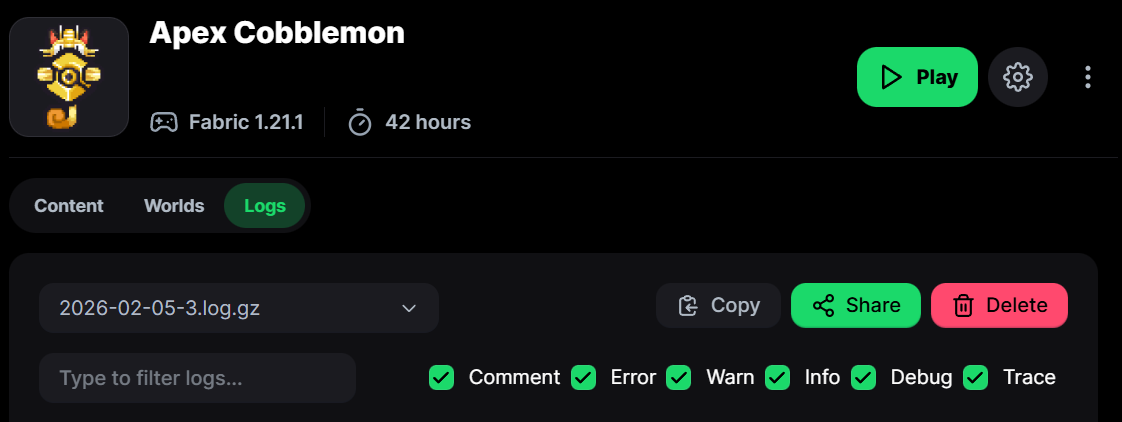
Logs submenu in the Modrinth launcher
Logs Folder
Open the Modrinth App
Open the Library tab on the left, and click GGPlays Cobblemon
Click the button with 3 dots in the top right, and select Open Folder
Here you can also access screenshots, mods, etc.
Open the logs folder
Each file is saved by the date the game session ended.
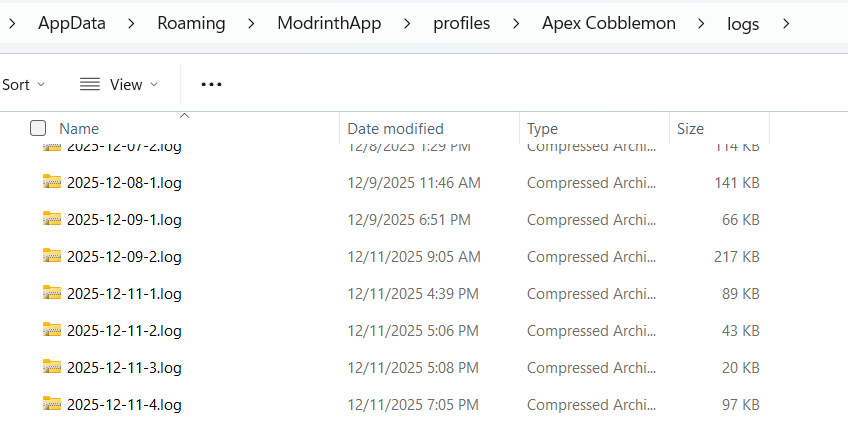
Folder containing all logs
Edit this page on GitHub Last updated