
Cosmetics
On this page
Cosmetics are collectible, equipable items used to customize your player model, chat identity, profile, and personal style across GGPlays Cobblemon.
Open the /cosmetics menu to view all available Cosmetics, and equip any unlocked Cosmetics.
If you’re looking for the progression/perks side of cosmetics, see Style Ranks
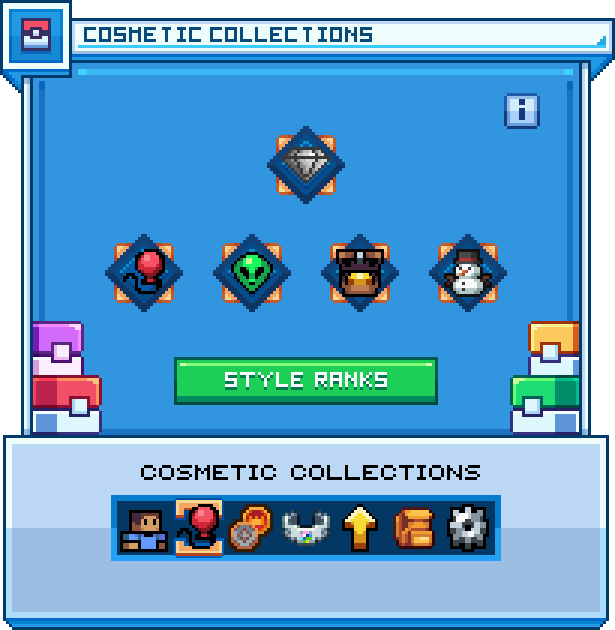
/cosmetics collections menu
Commands
| Commands | Description |
|---|---|
/cosmetics | Opens the Cosmetics menu |
/cosmetics collections | Displays your completion progress towards each Cosmetic Collection |
/styles | Opens the Style Ranks menu |
/cosmetics equip <bundle> | Equips an entire set of a Cosmetic Bundle |
/cosmetics unequip | Unequips all wearable cosmetics |
Obtainment
Cosmetics generally fall into three categories:
| Category | Description |
|---|---|
 | Obtained through the Cosmetic Crate or by trading with other players through SafeTrade or GTS |
 | Granted for completing certain activities, such as Bingo, Raids, Gyms, or other progression systems |
 | Limited-time cosmetics released through Seasonal Crates purchased from the Donation Store, or from staff-hosted weekly events |
Usage
All cosmetics are equipped through the /cosmetics menu. Only one cosmetic of each type can be equipped at a time.
Previewing
You can preview wearable cosmetics by hovering over them in the /cosmetics menu.
Feature previewOpen video
Trading
Most cosmetics can be traded through SafeTrade and the GTS.
Customization
Some cosmetics support customization:
| Cosmetic Type | Customization |
|---|---|
| Nicknames and Titles | Can be customized with colors, unlocked gradients, and text formatting |
| Wearable Cosmetics | Certain wearables can be dyed through the Color Picker menu |
| Furniture | Certain furniture pieces can be dyed with /furniture dye |
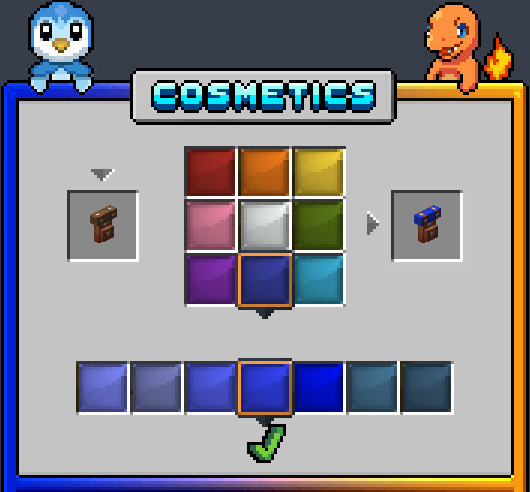
Color Picker menu
Style Trophies
Unlocking cosmetics grants  Style Trophies, which contribute to your Style Level. Style Trophy rewards depend on cosmetic rarity, cosmetic type, and the collection.
Collections
Most cosmetics are grouped into Cosmetic Collections. Collections help track your cosmetic completion progress and provide an organized way to view which cosmetics you have unlocked.
Open /cosmetics collections to view each Cosmetic Collection, and your completion progress towards each.
Cosmetic Crate
Cosmetic Keys grant a randomized cosmetic reward when opened. Cosmetic Crate rewards include a variety of cosmetic types, such as wearable cosmetics, pins, emojis, emotes, titles, nickname gradients, and more.
Cosmetic Keys include the following features:
- You may re-roll your reward one time
- You will never receive a cosmetic you already have unlocked
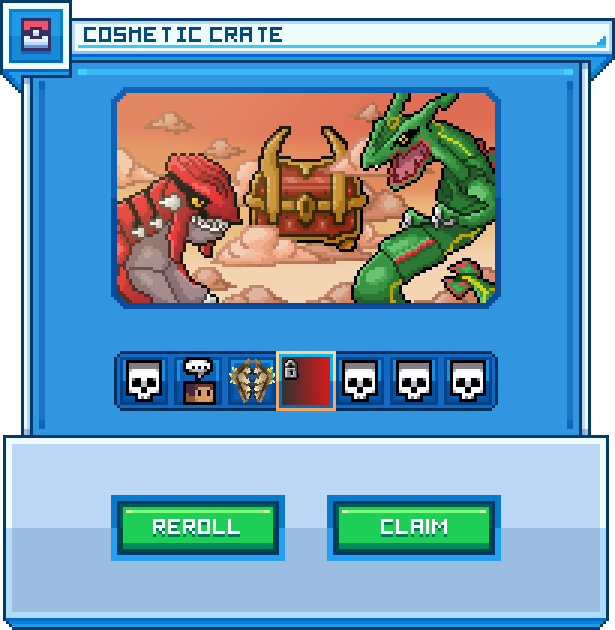
Unlocking a Nickname Gradient from the Cosmetic Crate
Bundles
Cosmetic Bundles make it easier to obtain a matching set of wearable cosmetics. Seasonal crates may offer a small chance to award a random bundle. Some crate preview menus may also allow players to purchase a bundle of choice with  Bits.
Bits.
Types
Headwear
Headwear cosmetics are equipped on your head.
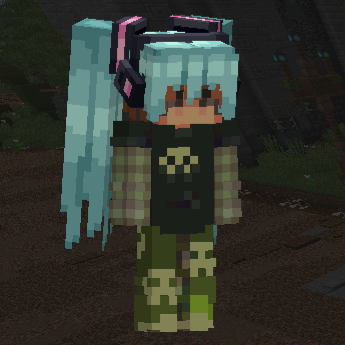
Hatsune Miku's Hair
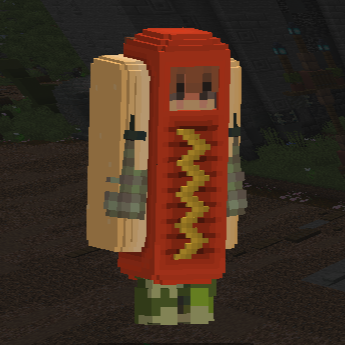
Dog Hat
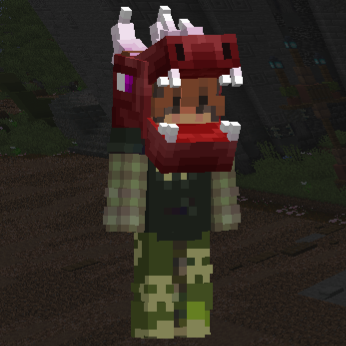
Dragon Hat (Red)
Bodywear
Bodywear cosmetics are equipped on your body.
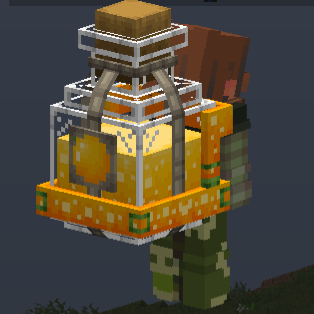
Orange Backpack
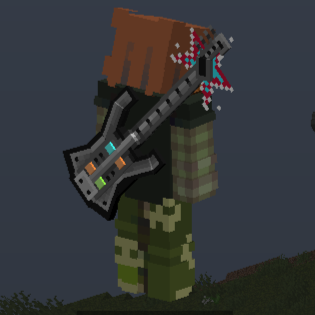
Guitar Backpack
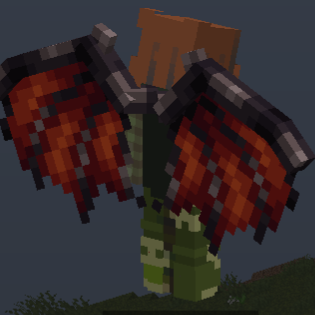
Vampire Wings (Red)
Held Items
Held Item cosmetics are equipped in your off hand.
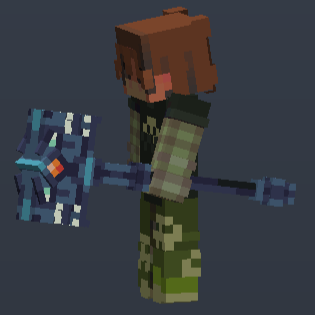
Dragon Headed Warhammer
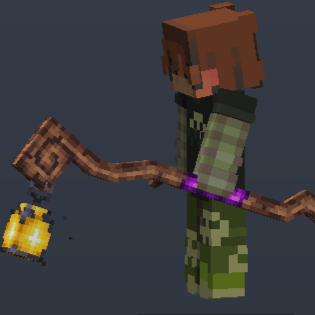
Lantern Staff
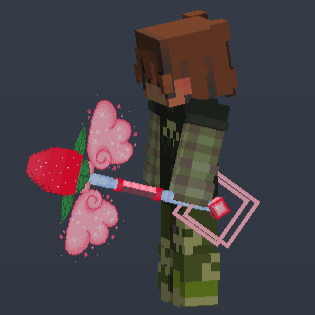
Melody Staff
Pins
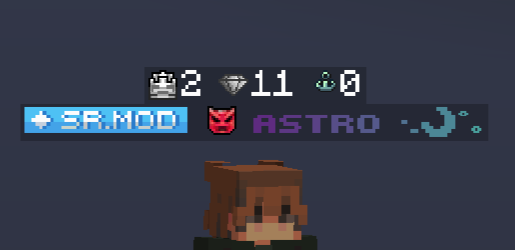
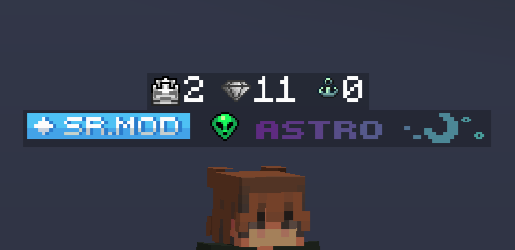
Pins are displayed before your username in chat, tab, and various other places. Pins are commonly used to show off achievements, collection rewards, event rewards, or rare cosmetic unlocks.
Emojis
Emojis are usable in chat. GGPlays Cobblemon Modpack users can tab-complete unlocked emojis.

Emotes
Emotes broadcast short cosmetic phrases to chat. Append local to send the emote in local chat instead of broadcasting it server-wide.
All earnable emotes may also be purchased through the Donation Store.
| Commands | Description |
|---|---|
/emote <emote> [local] | Sends an emote in chat |
/emote <emote> <target> [local] | Sends an emote targeted toward another player |

Titles
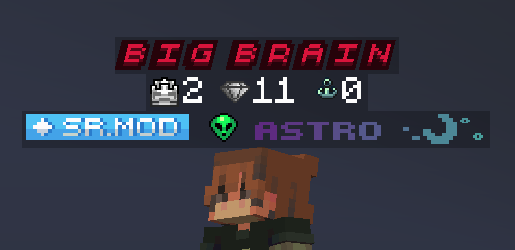
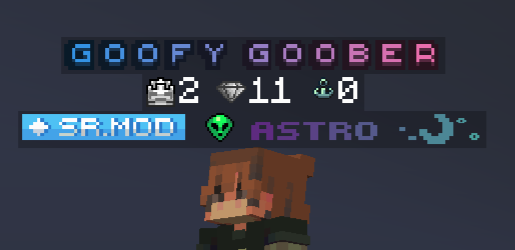
Titles are displayed on your /profile, in chat hover messages, and above your player. Titles can be customized with unlocked gradients, allowing players to personalize how their title appears.
Furniture
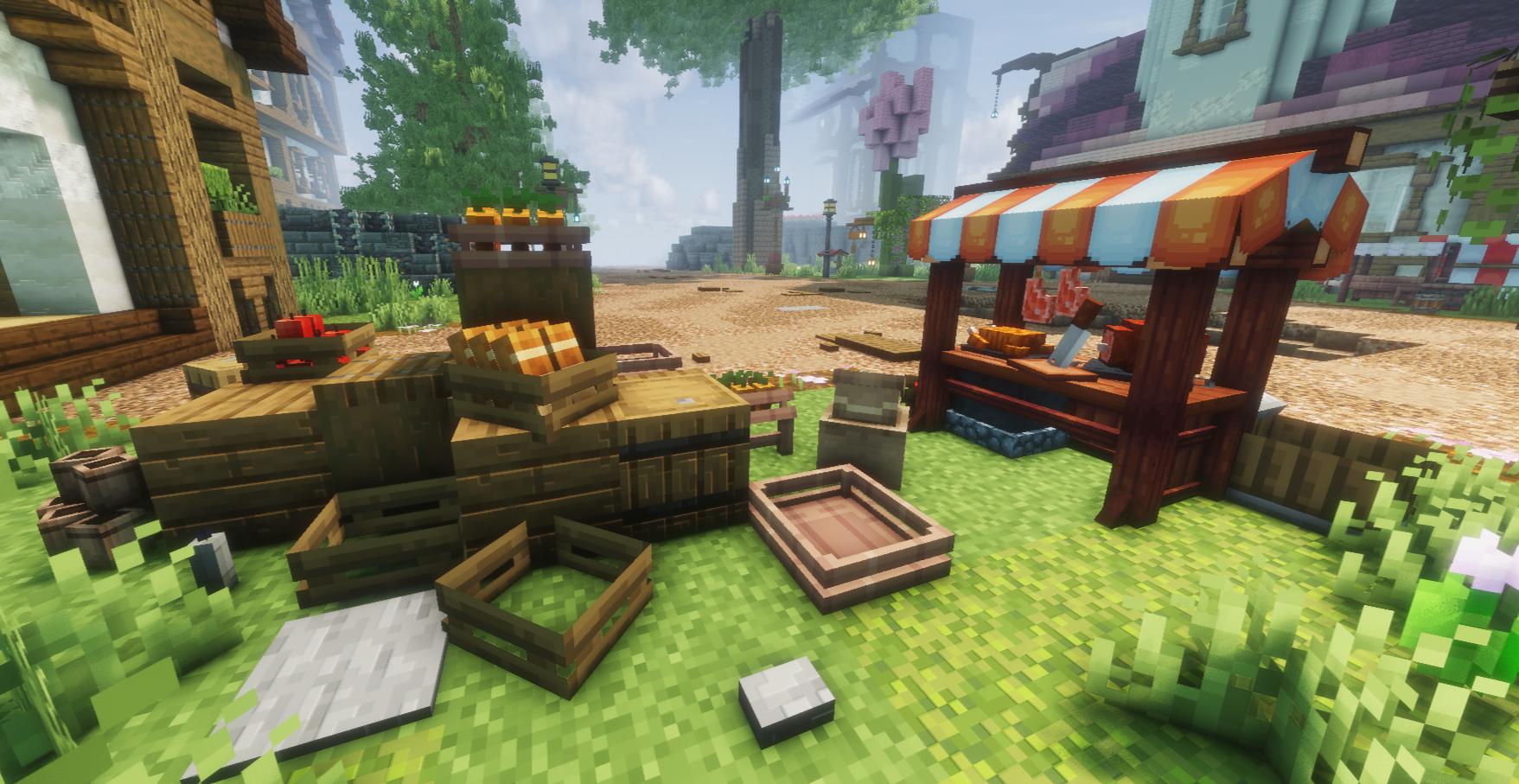
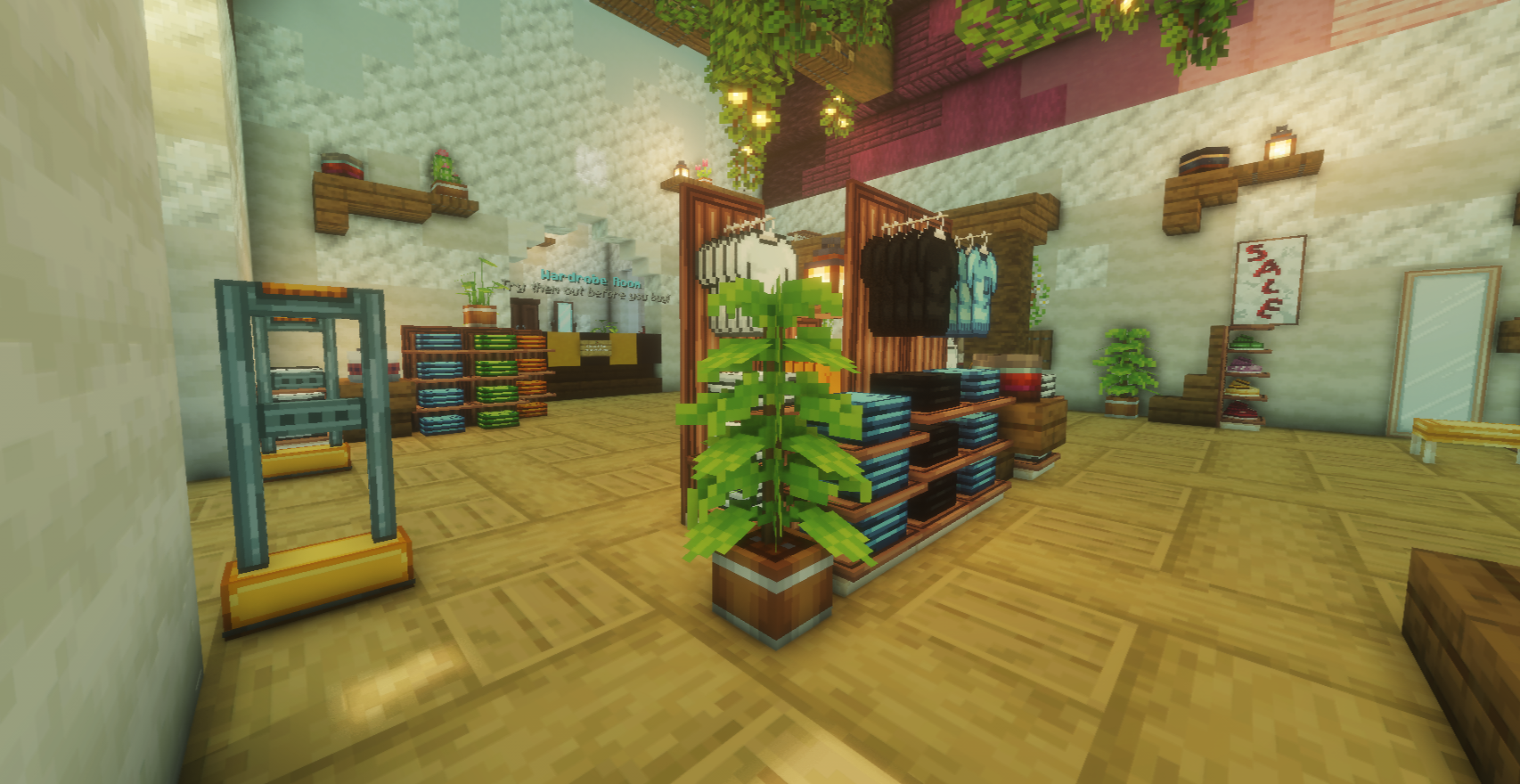
Furniture cosmetics are placeable decorative items used to customize builds, player areas, and interiors. Furniture pieces generally cost around  3,000 each.
| Commands | Description |
|---|---|
/furniture | Opens the Furniture menu |
/furniture dye | Opens the dye menu for the furniture piece you are holding |
/furniture dye color <hex> | Dyes the furniture piece you are holding to the specified hex color |
Activity Messages
Activity Messages are broadcasted when you log in or out.

Nicknames
Nicknames are alternative display names shown in chat and tab. Nicknames can be customized with unlocked gradients, allowing players to personalize how their nickname appears.
Nickname Tokens are required to change your nickname. They can be obtained from Nickname Vouchers, Ultra Crate, Donation Store, or upon unlocking a Nickname Gradient from the Cosmetic Crate.
