
Voice Chat Guide
On this page
Voice Chat Menu
To use voice chat on the server you'll need to press the V key on your keyboard, this will bring up the Simple Voice Chat menu.
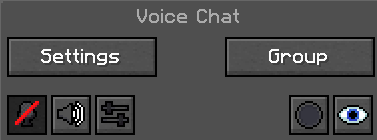
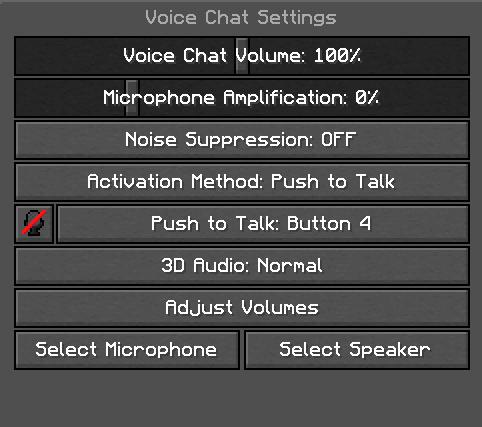
Voice Chat Settings
Here you can adjust the settings to your liking including things like volume and activation method.
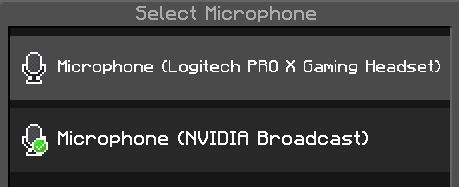
Microphone and Speaker Settings
Here you can select which microphone and speaker you would like the voice chat to utilize.
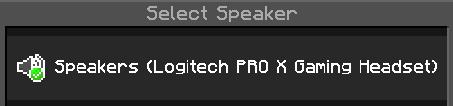
Creating a Group
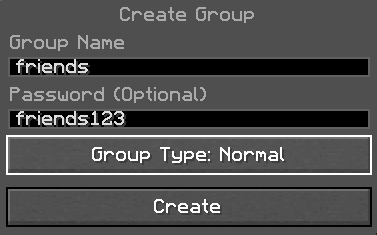
If you would like to only speak to your friends that is always an option. Click "Group" in the main voice chat menu and then "Create Group". Add a name and password and select which type of group you want from the options below:
- Normal: Players who are not in your group can't hear you, but you can hear them.
- Open: Players who are not in your group can hear you, and you can hear them.
- Isolated: Players who are not in your group can't hear you, and you can't hear them.
Edit this page on GitHub Last updated