
Raids
On this page
Raids are a PvE battling feature that is accessible through the /raids menu. While Raids can be completed Solo, up to 5 players can join a Party to challenge the Raid together.
Raid Phases
Learn about what to expect during a raid

Raid Settings
Learn about the various settings that can be configured during a raid

Starting a Raid
Create or join a Party
Inviting other players to your party is not required, although more party members can increase your Legendary Boss chance.
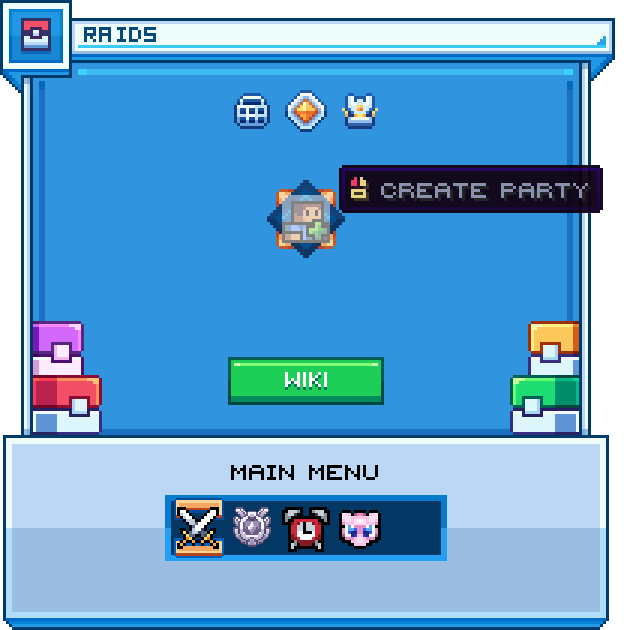
/raids menu
Mode Selection
Click the "Raid Mode" button and select your desired mode (Easy, Medium, Hard, Wildcard).
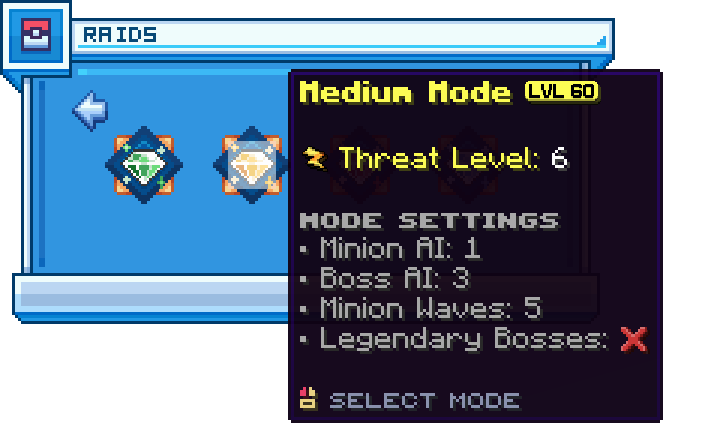
Mode selection menu
Modifier Selection
Click the "Modifiers" button and select your desired modifiers.
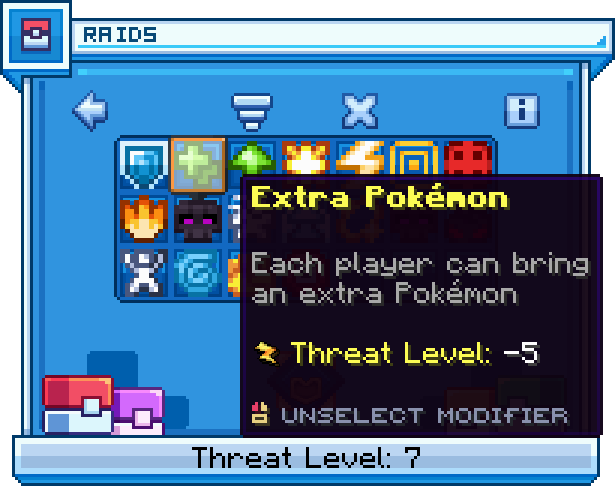
Modifier selection menu
Team Selection
Click the button containing your player skull, select your desired team, and click the "ready" button at the bottom of the menu.
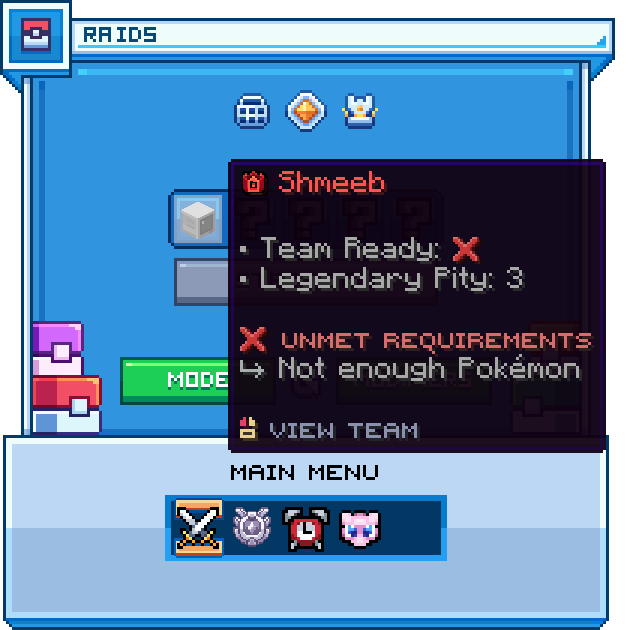
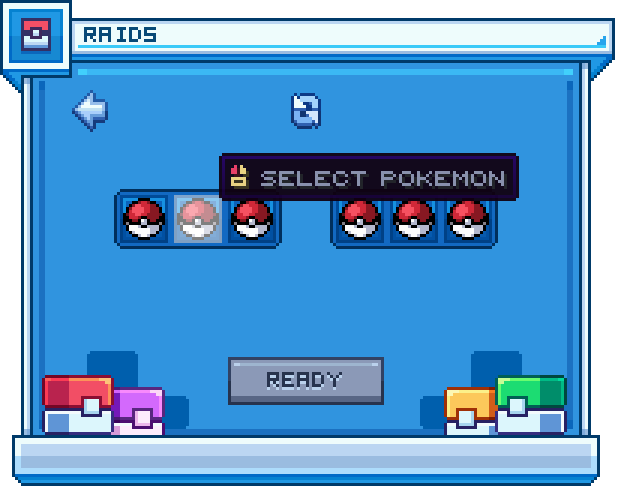
Team selection menu
Start the Raid
Once all party members have selected their party and clicked the "ready" button, click the "Start Raid" button.
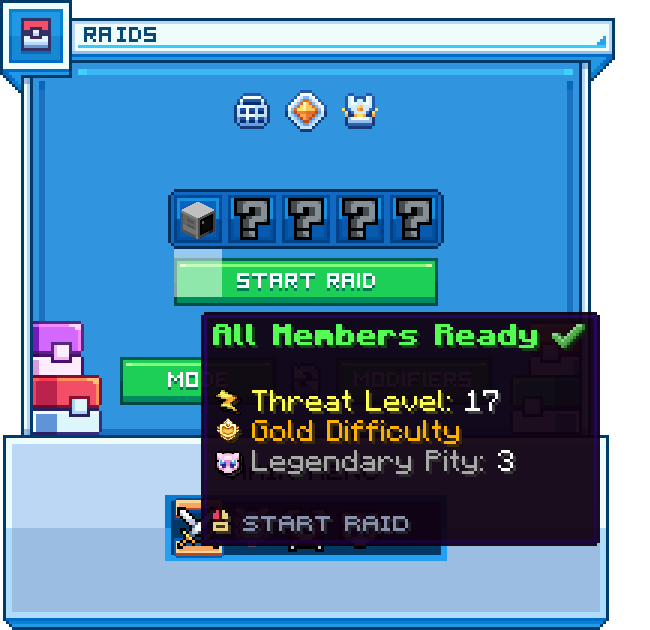
Type Selection
All party members are teleported into the Raid Arena, and prompted to vote for one of five elemental types to determine the typing of the Minions spawned throughout the raid.
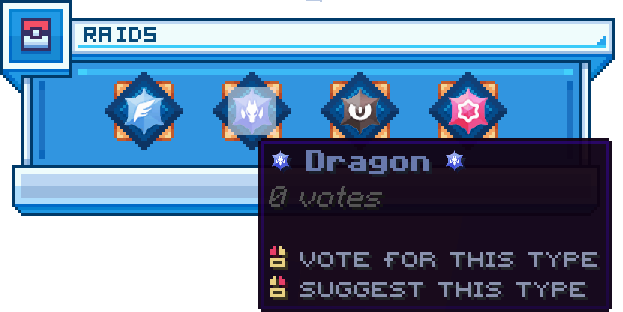
Type selection menu
Team Selection
Select the three Pokémon you'd like to use during the Minion Waves. Once all members of the party have selected their team, the Battle Phase will begin.
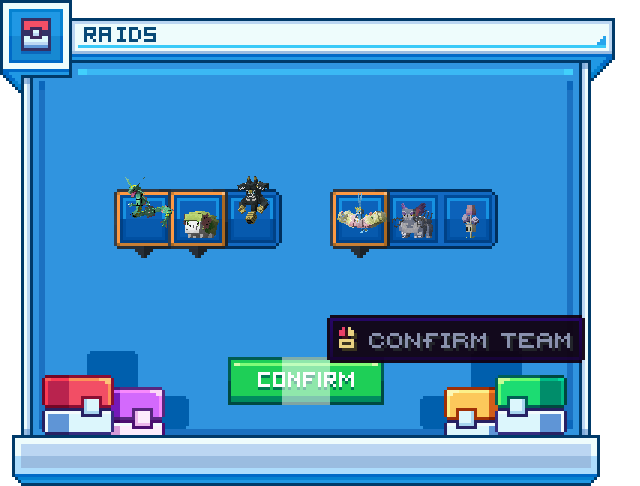
Team selection menu
Raid Tickets
A raid ticket is consumed upon starting a raid. All players are given 3 Raid Tickets daily at midnight PT, with certain donor and crown ranks receiving additional tickets.
Donor Ranks
| Rank | Daily Tickets |
|---|---|
| Elite | 4 |
| Master | 4 |
| Champion | 5 |
| Omega | 5 |
| GGPlays | 6 |
Crown Ranks
| Rank | Additional Tickets |
|---|---|
 20 20 | +1 |
 50 50 | +2 |
 80 80 | +3 |
Party Broadcast
Advertise that your party is looking for members with the /raid broadcast <max party size> command.
